

Learn More About the Software We Offer

Geospatial Software
Field and office software for survey, mapping, UAS, and public safety work, with setup, training, and support from our team
- Setup and Training
- Local Support from 20+ Branches
- Serving the Southeast Since 1946
Shop Software by Discipline
Share from the Cloud. Process in the Office.
Trimble Connect and Trimble Business Center sit at the center of most workflows.
Trimble Connect
A cloud project space that links your office, your crews, and your clients
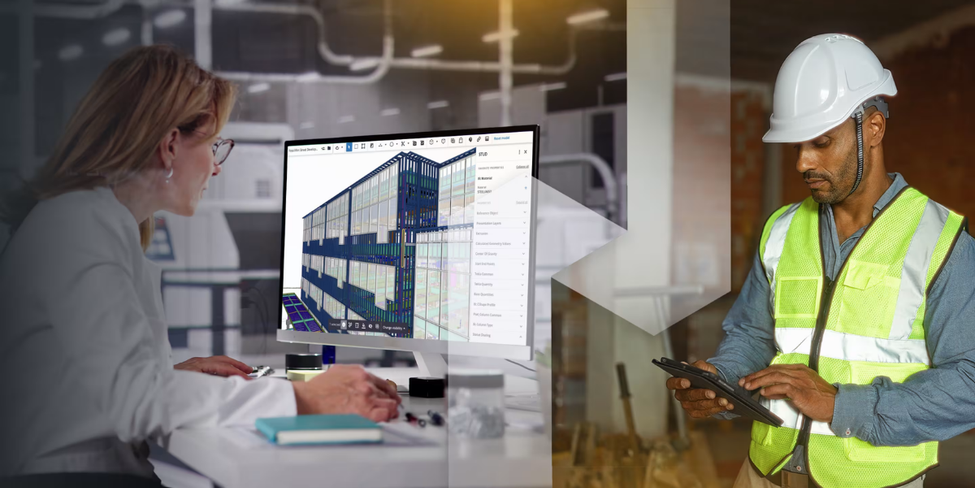
Instead of emailing job files or carrying a thumb drive out to the truck, put the project in Trimble Connect. Crews pull control, design files, and backgrounds straight into Trimble Access and send field data back the same way, so nobody stakes from an outdated design.
Key Features
- Move jobs between the office and Trimble Access in the field
- View drawings, 3D models, and point clouds from TBC in a web browser
- Comment, tag, and share files with the project team
- Version history so everyone works from the latest files
- Supports more than 45 file types, including geospatial formats
- Works with TBC, Trimble Access, SketchUp, Tekla, and third-party apps
Trimble Business Center
Office software for processing field data and producing deliverables
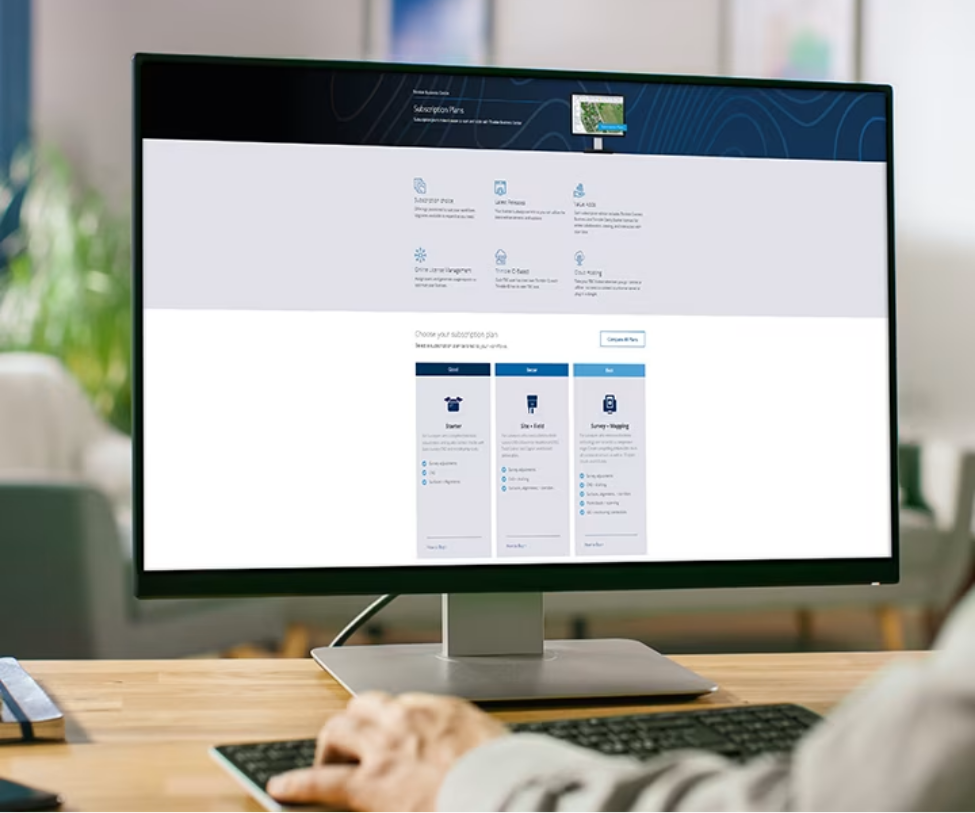
If you run Trimble Access in the field, TBC is the office side of that workflow. Bring GNSS, total station, level, and scanner data into one project, clean it up, and turn it into surfaces, linework, and reports without exporting to another program.
Key Features
- GNSS baseline processing and least squares adjustment
- Edit raw observations like rod heights and vector quality
- Point cloud classification and AI-driven feature extraction
- Surfaces, volumes, and quantity takeoffs
- Adjustment reports and CAD-ready linework
- Connects to Esri, Autodesk, Bentley, and Trimble Connect
Frequently Asked Questions
What's the difference between TBC and Trimble Connect?
TBC is desktop software where you process field data and build deliverables. Trimble Connect is a cloud space for moving files between the office, the field and your clients. TBC does the processing, and Connect moves the data.
Which software is right for my work?
What Trimble Connect plans are available?
Trimble Connect is sold as a per-user subscription. Pro covers viewing, collaboration, and the mobile and desktop apps. Innovate adds data analysis and management tools. Larger teams can get custom pricing, and Trimble often offers a free trial if you want to try it first. We can help you pick the right plan. Contact us today to get started.
How does licensing work?
TBC is available as a subscription or a perpetual license. Subscriptions cost less upfront, scale with your team, and include the latest updates. Trimble frequently offers a free TBC trial as well. We'll walk you through the options so you can pick what fits your budget.
Do you offer demos, training, and support?
Yes. Our Trimble-trained specialists can show you the software before you buy, train your crew after, and help when questions come up. Reach out to your rep or find your nearest branch.
Talk to a Software Specialist
Get a demo, a quote, or help choosing the right software for your work